
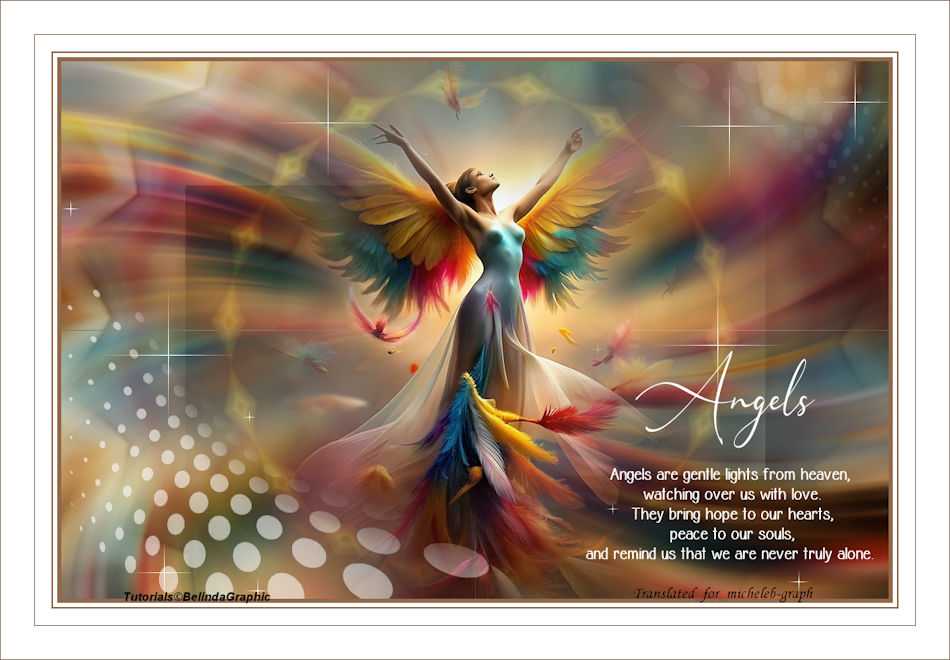
I thank Tina for
sharing her image: Ange
I thank Belinda for allowing me to translate her
tutorials into English.
The link to the original lesson
HERE
Material
Open and minimize the mask in your PSP
**
Filtres
Mock - Bevel
VM Natural - Sparkles
**
Couleurs
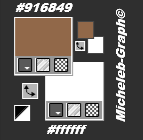
1
Open a new document of 1000 × 650 pixels transparent.
Selections—Select All.
Take up the image with the Angel. Edition > Copy.
Edition > Paste into selection.
Deselect
2
Effects < Image effects > Mosaic without seams
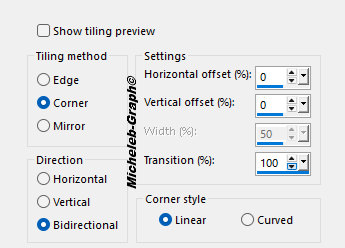
3
Settings <Blur > Radial blur
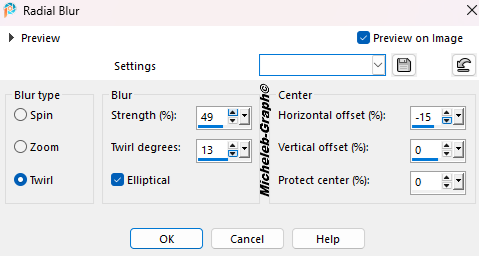
Layers > Duplicate
4
Effects < Reflection effects > Kaleidoscope
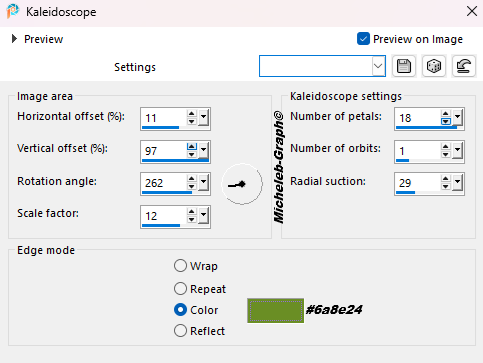
5
Effects > External modules < Mock>Bevel.
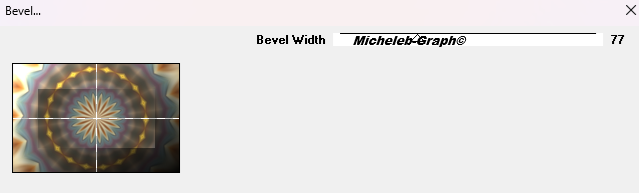
Layer blending mode: Soft light
6
Layers > New raster layer.
Paint can tool: fill it with #ffffff color.
Note the mask cas_Mask_0417_04. Feedback on your work.
Layers—New mask layer—From an image: select the mask
from the list
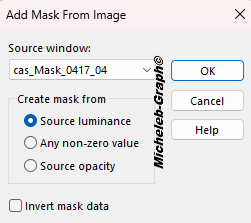
7
In the layer bar: Duplicate mask.
Merge the group.
Settings > Sharpness < Sharpness
8
Note the Misted-Angels layer. Edition > Copy.
Edition > Paste as new layer.
Image > Resize this layer to 80%.
Settings > Sharpness < Sharpness.
It is in place
9
Take down the Texte1-Angels layer. Edition > Copy.
Edition > Paste as new layer.
Tool select (K): POS X: 634 · POS Y: 491
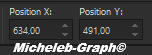
"M" to deactivate
10
Take down the Texte2-Angels layer. Edition > Copy.
Edition > Paste as new layer.
Tool select (K): POS X: 694 · POS Y: 350
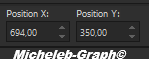
"M" to deactivate
11
Move to the bottom layer of the stack (Raster 1).
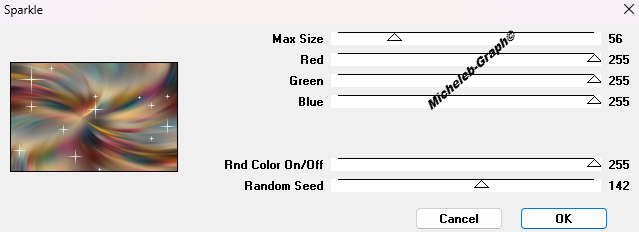
Effects > External modules <VM Natural < Sparkles
12
Image > Add 5-pixel color borders #916849
Image > Add 5-pixel color borders #ffffff
Image > Add 2-pixel color borders #916849
Image > Add 20-pixel color borders #ffffff
Image > Add 1-pixel color borders #916849
Image > Add 40-pixel color borders #ffffff
13
Add your signature on a new layer
Add Belinda’s signature
Add my signature Translation Micheleb-Graph
14
Image > Add 1-pixel color borders #916849
Image > Resize all layers to 950 pixels wide.
File > Save as JPEG
Your image is finished
Can you send it to me by email
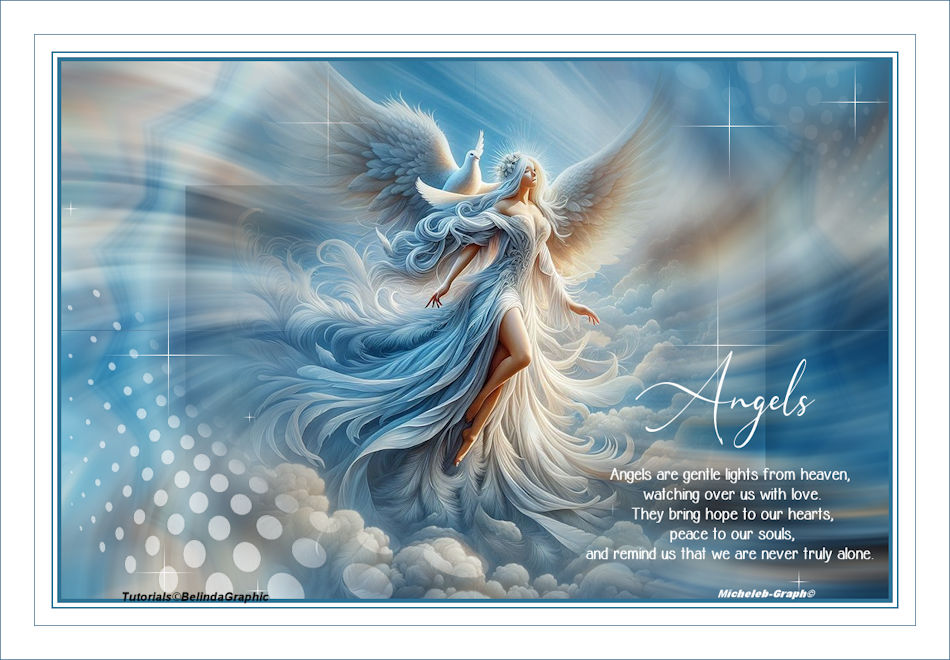
Version of my tester
Irene
INDEX

Ce(tte) œuvre est mise à disposition selon les termes de la
Licence Creative Commons Attribution -
Pas d’Utilisation Commerciale - Pas de Modification 3.0 France. |
|
|